Rethinking Onboarding on AWS RDS

AWS Relational Database Service is the backbone of cloud data for millions, yet for new developers, the onboarding process felt like "filing taxes with no guidance."

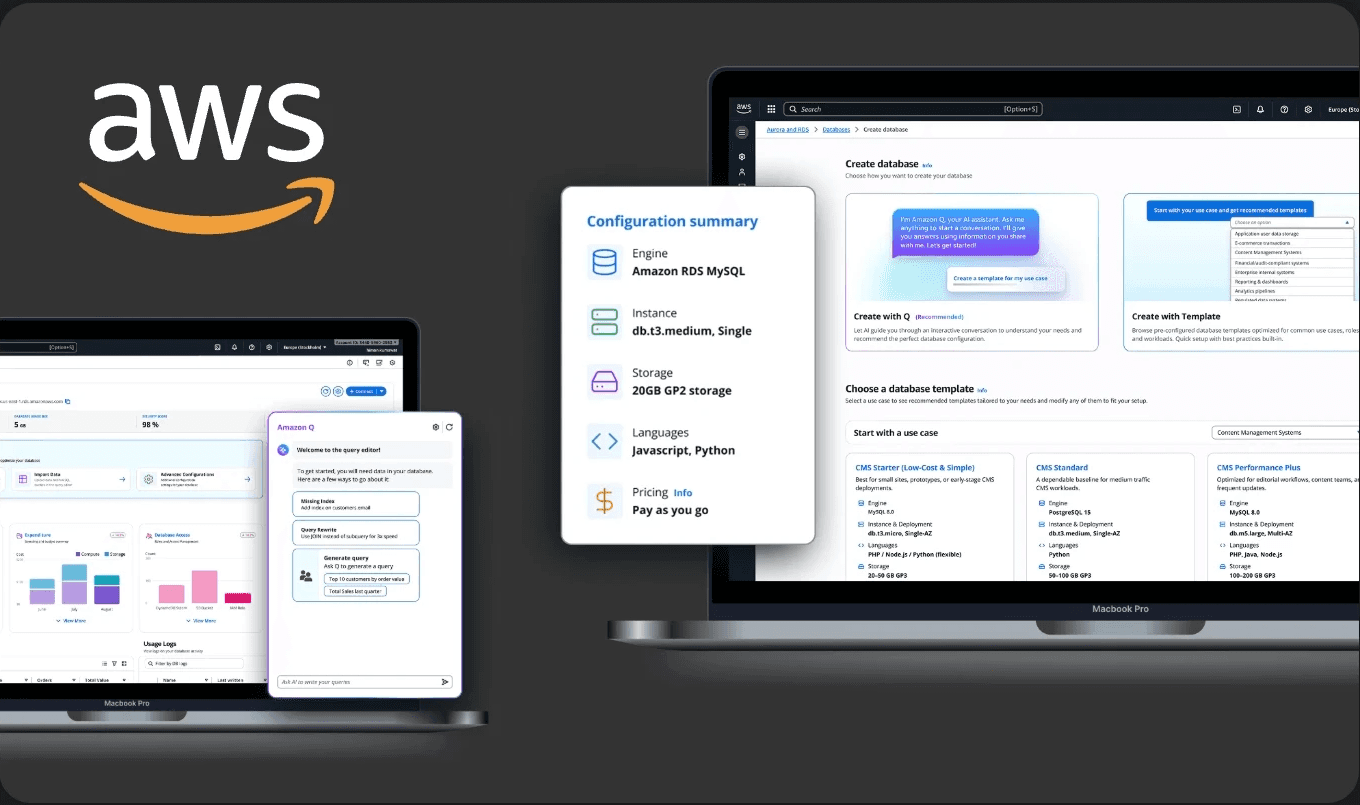
As a capstone project, in partnership with AWS, we reimagined the end-to-end journey, from the first configuration click to the long-term management dashboard with Amazon Q, the AI companion in AWS.

In partnership with Maria Raphaeil, Lead Designer - Amazon Web Services.
Industry

Cloud computing industry

Roles and Responsibility

As UX Researcher and Designer, my responsibilities ranged from driving user interviews and data analysis to designing the improved process.

Tools

THE CHALLENGE

THE CHALLENGE

AWS RDS is a powerful service, but for new users, the initial setup was a major friction point.

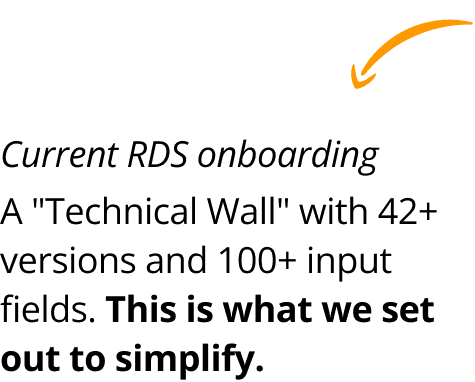
Our primary research revealed that developers, while technically capable, were overwhelmed by hundreds of configuration fields required before they could even start working with their database.

To bridge the gap between complex cloud engineering and human-centric design by:

Simplifying Decision-Making: Moving from technical specs to "Intent-based" setup.

Proactive Management: Creating a dashboard that guides the user’s next move.

AI Integration: Embedding Amazon Q to act as a "Senior Architect" for any new user.
A Quick Look

Before diving into the process, here is a snapshot of how we shifted the experience from a "Technical Wall" to a "Guided Command Center."

A Quick Look

Before diving into the process, here is a snapshot of how we shifted the experience from a "Technical Wall" to a "Guided Command Center."

Part 1: The Configuration Form

Part 1: The Configuration Form

Results
Time-to-configuration dropped significantly as AI handled the technical heavy lifting, and less important settings were defaulted and moved to after setup.

Results
Time-to-configuration dropped significantly as AI handled the technical heavy lifting, and less important settings were defaulted and moved to after setup.

Results
Time-to-configuration dropped significantly as AI handled the technical heavy lifting, and less important settings were defaulted and moved to after setup.

Part 2: The Dashboard

Part 2: The Dashboard

Result
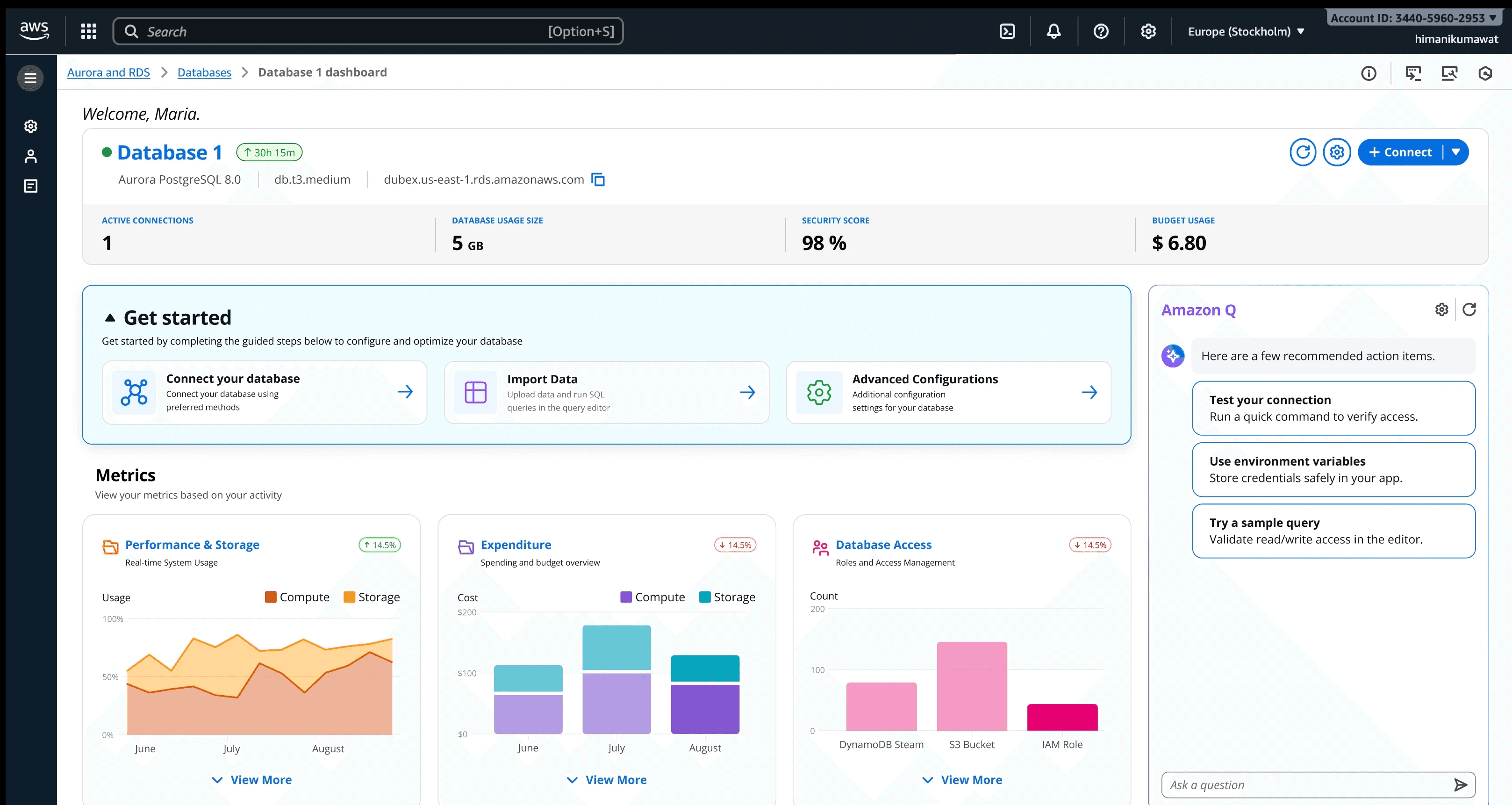
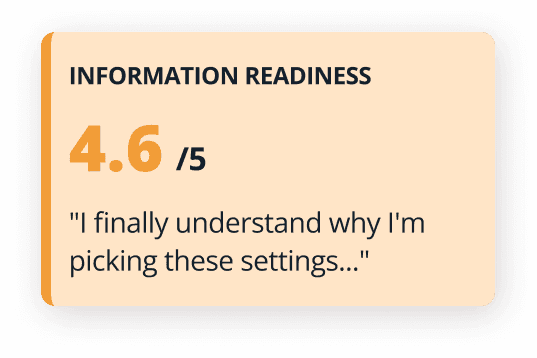
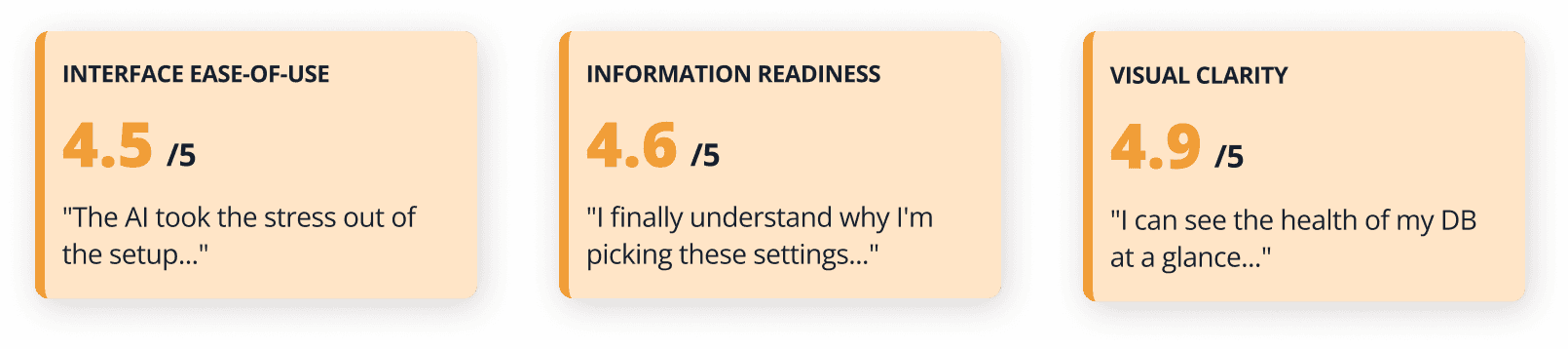
94% Information Readiness score; users knew exactly how to interact with their data immediately, showing the most important information upfront.

Result
94% Information Readiness score; users knew exactly how to interact with their data immediately, showing the most important information upfront.

Result
94% Information Readiness score; users knew exactly how to interact with their data immediately, showing the most important information upfront.

MEASURING SUCCESS (Usability Results)

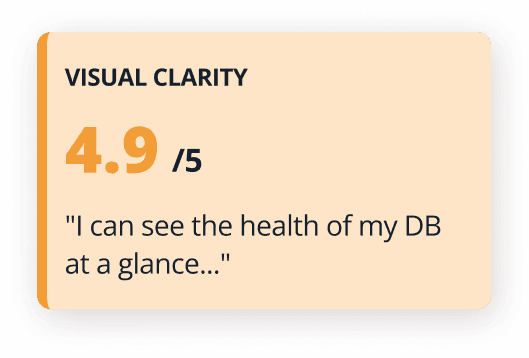
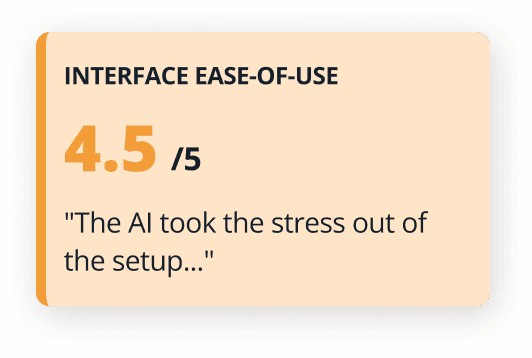
These impact scores were derived from 35+ unmoderated usability tests. Final validation confirmed that our redesign directly resolved core user anxieties. Participants completed tasks faster with significantly less hesitation compared to the legacy flow.
See Final Solution

See Final Solution

See Final Solution

How we got there: The design process

How we got there: The design process

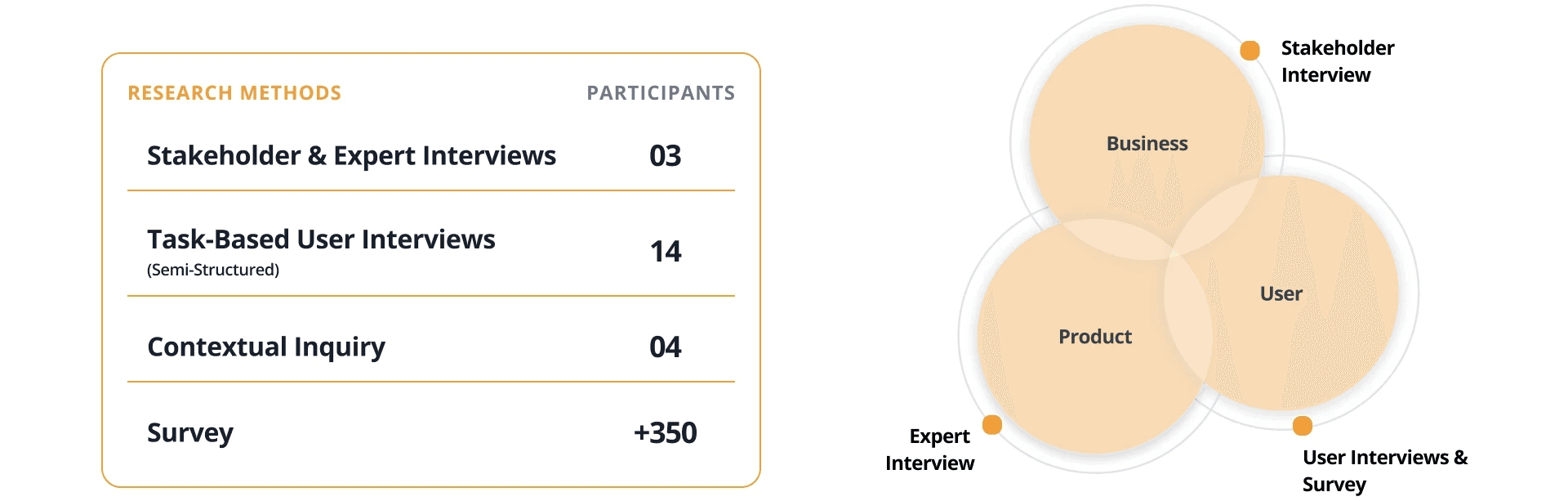
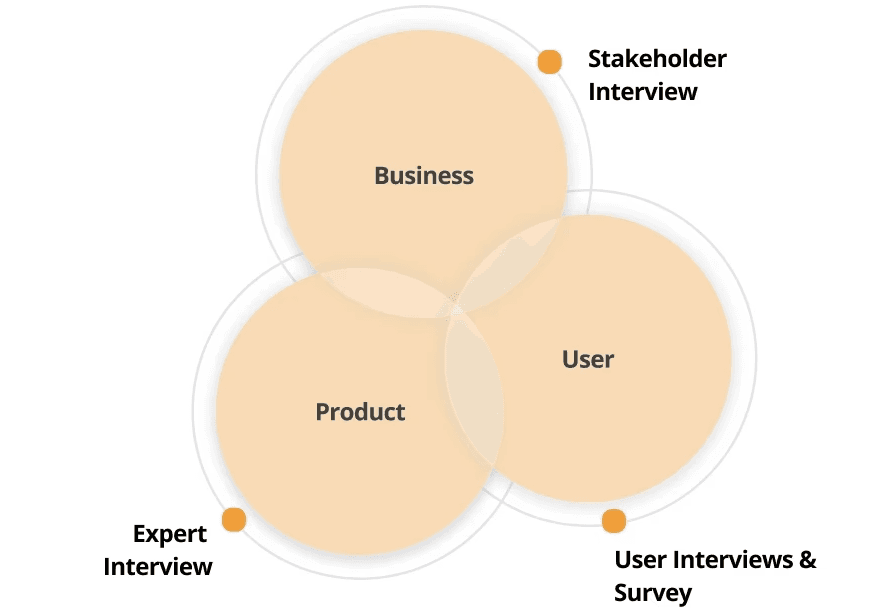
To bridge the gap between technical power and user confidence, we followed a research-heavy, iterative process: Discovery, User Research, Prototyping and Usability Testing.

Phase 1: Discovery & Research

Phase 1: Discovery & Research

(3 Months)

Insight wall for our Interview sessions

Insights

Insights
  1. Technical Paralysis

    The availability of 42 different versions of a single engine (PostgreSQL) caused extreme cognitive load. Users felt they needed to be "database experts" just to click "Next."


  2. Information Blindness

    The text-heavy interface led to users ignoring critical settings (like RDS Extended Support costs) because the UI failed to prioritize information based on their intent.


  3. The "Dead-End" Dashboard

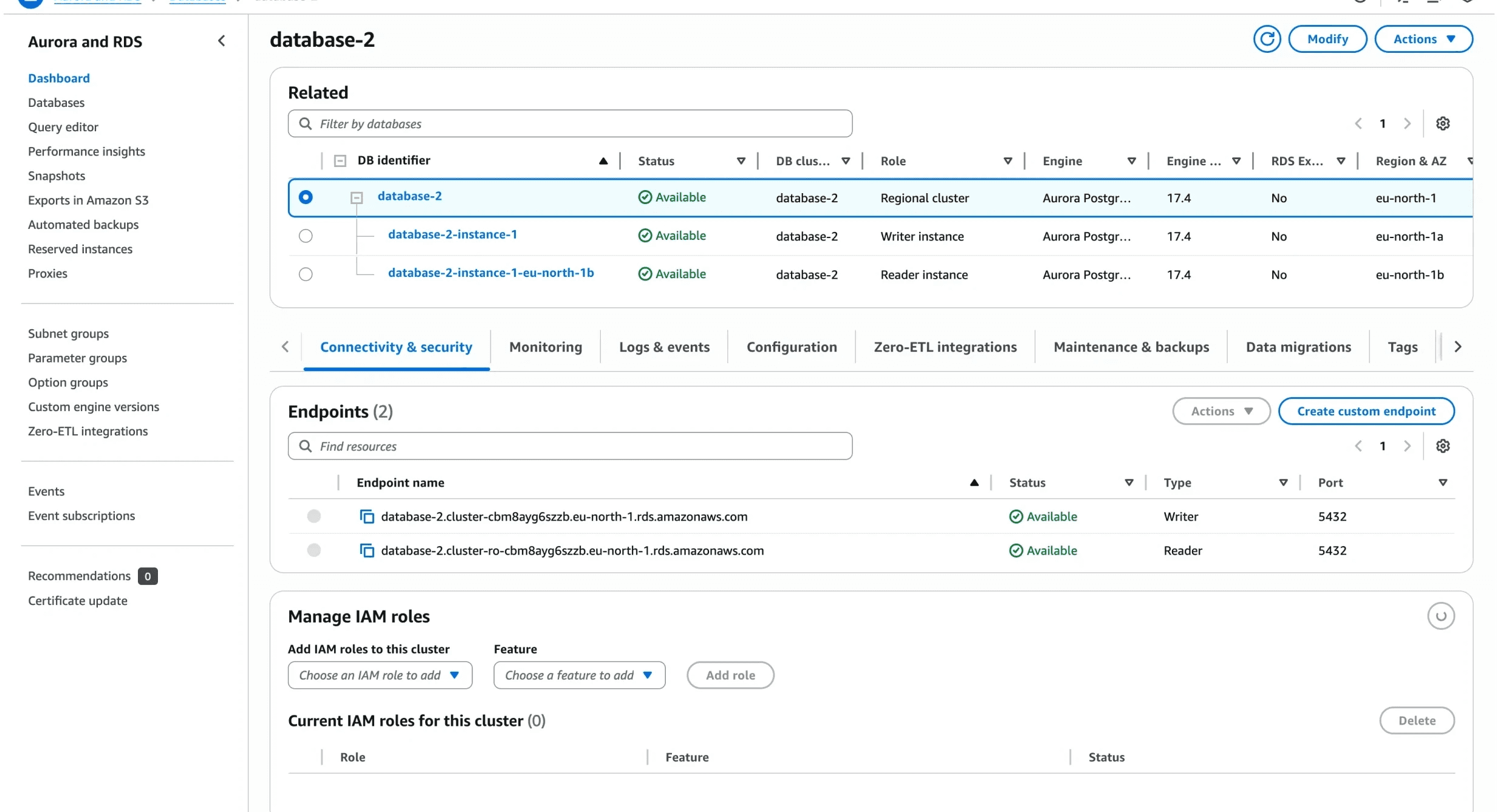
    Upon successful creation, the journey ended with a static table. Users felt a sharp drop in confidence because the system didn't suggest "What's Next" (e.g., importing data or testing connections).

  1. Technical Paralysis

    The availability of 42 different versions of a single engine (PostgreSQL) caused extreme cognitive load. Users felt they needed to be "database experts" just to click "Next."


  2. Information Blindness

    The text-heavy interface led to users ignoring critical settings (like RDS Extended Support costs) because the UI failed to prioritize information based on their intent.


  3. The "Dead-End" Dashboard

    Upon successful creation, the journey ended with a static table. Users felt a sharp drop in confidence because the system didn't suggest "What's Next" (e.g., importing data or testing connections).

Phase 2: Iterating with AI

Phase 2: Iterating with AI

(1 Months)

With insights in hand, we didn't spend weeks on static wireframes. We embraced a "Fail-Fast" mentality using modern AI prototyping tools.

We experimented with Base44, UX pilot, Lovable, and Figma Make. Finally, we used Figma Make to build the first end-to-end interactive concept.
Phase 3: Usability Testing & Refinement

Phase 3: Usability Testing & Refinement

(1.5 Months)

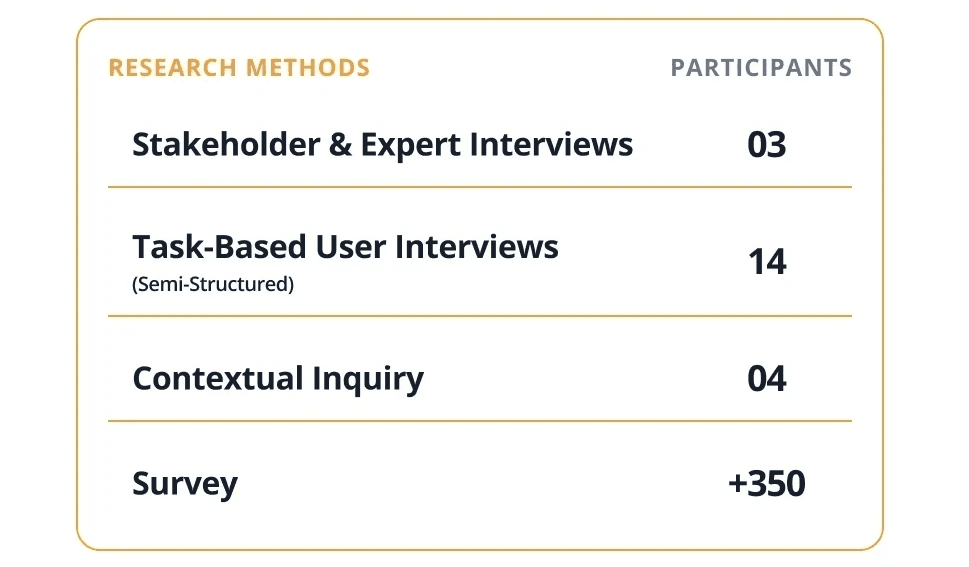
Once we had a functional concept, we ran a dedicated round of usability testing to validate the new mental model. The feedback came from 7+ moderated interviews and 35+ unmoderated survey responses via the UserTesting platform. This phase was crucial for balancing technical accuracy with visual clarity.
Usability Feedback
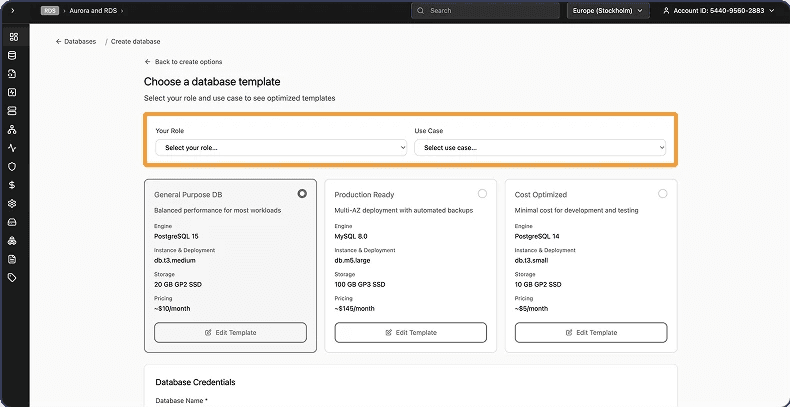
We identified that users skipped Role entirely, or choosing it didn't make sense to them at this stage.

Usability Feedback
We identified that users skipped Role entirely, or choosing it didn't make sense to them at this stage.

Usability Feedback
We identified that users skipped Role entirely, or choosing it didn't make sense to them at this stage.

Usability Feedback
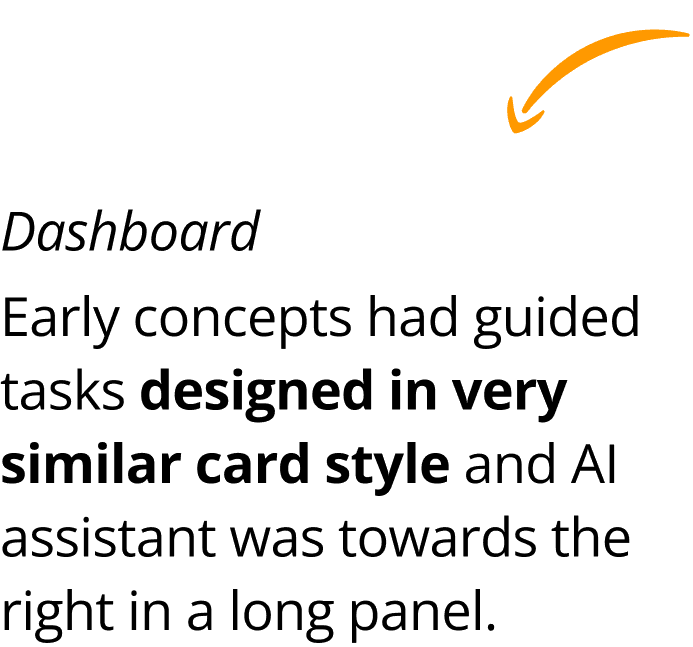
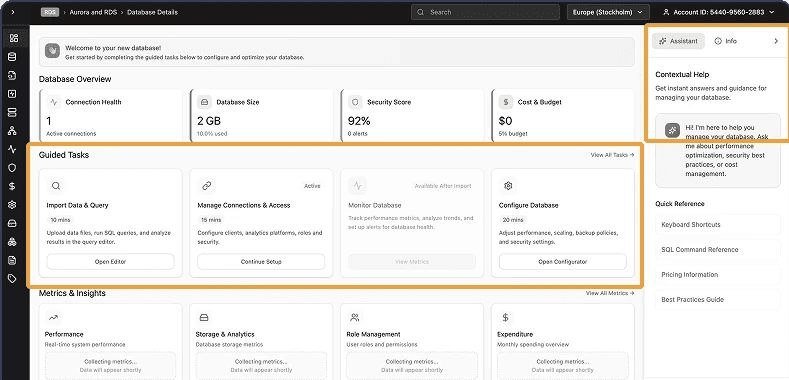
Users didn't understand or see "Guided tasks". It was too similar to other information. AI assistant was also not something that they interacted with as it was not very contextual.

Usability Feedback
Users didn't understand or see "Guided tasks". It was too similar to other information. AI assistant was also not something that they interacted with as it was not very contextual.

Usability Feedback
Users didn't understand or see "Guided tasks". It was too similar to other information. AI assistant was also not something that they interacted with as it was not very contextual.

What validated the solution

The hybrid approach, Conversational AI for guidance paired with Use-Case Templates for speed, was a major win, making complex setups feel intuitive and manageable. This confidence in the onboarding phase flowed directly into the dashboard experience.

What validated the solution

The hybrid approach, Conversational AI for guidance paired with Use-Case Templates for speed, was a major win, making complex setups feel intuitive and manageable. This confidence in the onboarding phase flowed directly into the dashboard experience.

Usability Feedback
Users appreciated the modern design and streamlined configuration form, which delivered enough clarity without overwhelming them. The enhanced Overview, real-time Metrics, and new Schema Explorer stood out as major improvements, making the dashboard feel like a clear, intuitive command center compared to the current AWS experience.

Usability Feedback
Users appreciated the modern design and streamlined configuration form, which delivered enough clarity without overwhelming them. The enhanced Overview, real-time Metrics, and new Schema Explorer stood out as major improvements, making the dashboard feel like a clear, intuitive command center compared to the current AWS experience.

Usability Feedback
Users appreciated the modern design and streamlined configuration form, which delivered enough clarity without overwhelming them. The enhanced Overview, real-time Metrics, and new Schema Explorer stood out as major improvements, making the dashboard feel like a clear, intuitive command center compared to the current AWS experience.

Phase 4: Final High-Fidelity Prototype

Phase 4: Final High-Fidelity Prototype

Experience the final transition from a natural language setup to a data-rich command center:

Flexible Creation Paths: Introduced a choice between high-speed Use-Case Templates and the interactive Amazon Q AI flow.

Digestible Command Center: Replaced dense data tables with a Modern Dashboard where complex info is visualized for instant comprehension.

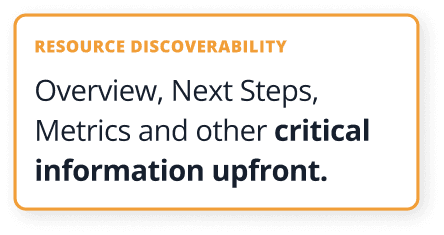
Unified Home Page: Clear and concise overview and next steps at the center stage. While also bringing critical tools like the Schema Explorer and real-time Performance Metrics directly onto the main dashboard landing.
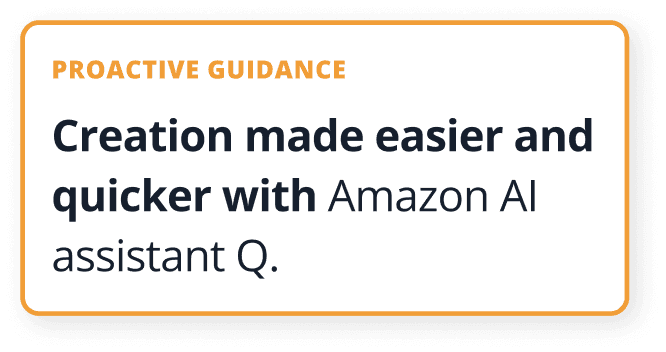
Amazon Q AI Integration (End-to-End Assistance)

We moved away from a static setup, integrating Amazon Q as a persistent, intelligent partner throughout the journey.

Amazon Q AI Integration (End-to-End Assistance)

We moved away from a static setup, integrating Amazon Q as a persistent, intelligent partner throughout the journey.

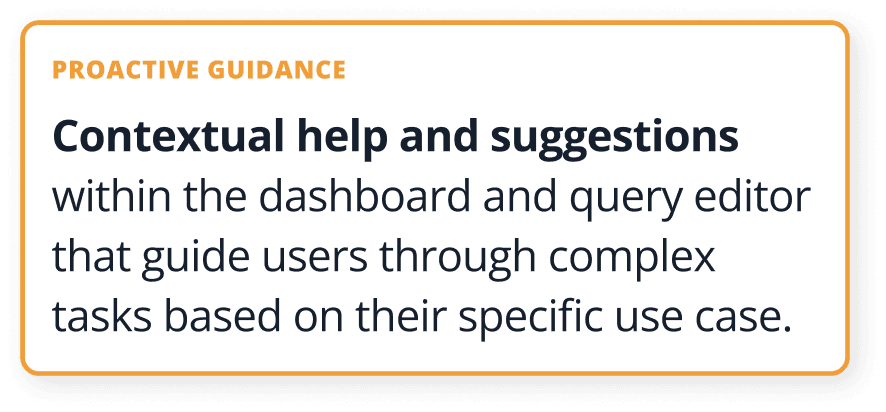
The Actionable Dashboard (Command Center)

We moved away from text-heavy logs toward high-fidelity visualizations, real-time graphs for CPU usage and connections provide an "at-a-glance" status. While also showing the most important things like schema explorer and logs on the dashboard which were missing in the older AWS dashboard.

The Actionable Dashboard (Command Center)

We moved away from text-heavy logs toward high-fidelity visualizations, real-time graphs for CPU usage and connections provide an "at-a-glance" status. While also showing the most important things like schema explorer and logs on the dashboard which were missing in the older AWS dashboard.

PROJECT REFLECTION & LEARNINGS

  • Complexity is a Design Opportunity: We learned that "simplifying" doesn't mean removing features, it means improving the relevance of information at each step.


  • The Power of AI in UX: Moving AI from a "sidebar chatbot" to a "core workflow partner" changed how users trusted the system.


  • Designing for the Non-Expert: Building for the "New Developer" actually improved the experience for Senior DevOps as well, as it allowed them to move through repetitive tasks much faster.

  • Complexity is a Design Opportunity: We learned that "simplifying" doesn't mean removing features, it means improving the relevance of information at each step.


  • The Power of AI in UX: Moving AI from a "sidebar chatbot" to a "core workflow partner" changed how users trusted the system.


  • Designing for the Non-Expert: Building for the "New Developer" actually improved the experience for Senior DevOps as well, as it allowed them to move through repetitive tasks much faster.

PROJECT REFLECTION & LEARNINGS

Next Project

Next Project

ServiceNow

Agentic AI workflow & Screen Library

ServiceNow

Agentic AI workflow & Screen Library

ServiceNow

Agentic AI workflow & Screen Library

Next Project

ServiceNow

Agentic AI workflow & Screen Library

ServiceNow

Agentic AI workflow & Screen Library

© Copyright 2026

© Copyright 2026

© Copyright 2026